Sale!
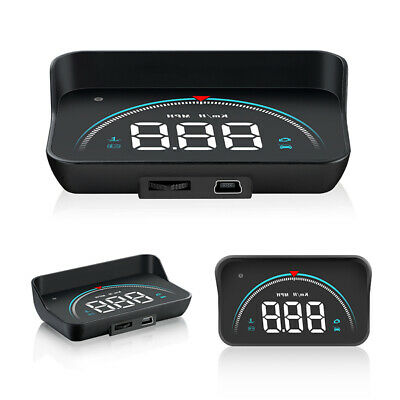
M8 Head Up Display (HUD)
$ 24.38
Description Color LED high brightness display Hood to block glare Built-in light sensor to automatically adjust brightness Speed alarm function 4 display modes Easy to install Fits current MG models What’s in the package? M8 Car HUD OBD2 Cable Reflective Film Non-Slip Mat User Manual Installation steps: Clean windshield from inside using glass cleaning solution Remove protective film from HUD’s screen Connect HUD to OBD2 port located under fuel lever Connect OBD2 cable to HUD and arrange the wiring Turn on the ignition and select mode you like (see user manual for more details) Remove protective film from the mat and place HUD on the mat to make sure you can properly see screen’s reflection on windshield Use masking tape (or something similar) to mark the position of the reflected screen Remove protection from reflective film (red sticker) and apply it to the windshield according to your markings Remove protection from reflective film (black sticker) Remove masking tape markings Enjoy driving Local AUS stock, shipped from Brisbane.